
Personal notes and reminders
Turn quick thoughts, reminders and personal notes into text you can revisit without replaying the whole recording.
Turn voice memos into clear, editable text with AI.
The audio needed to create your transcript is sent to a transcription service. Your original recording stays on this device.
Transcript
No lines match that search.
Preview limited to the first 500 words. Open the workspace to read, search and export the full transcript.
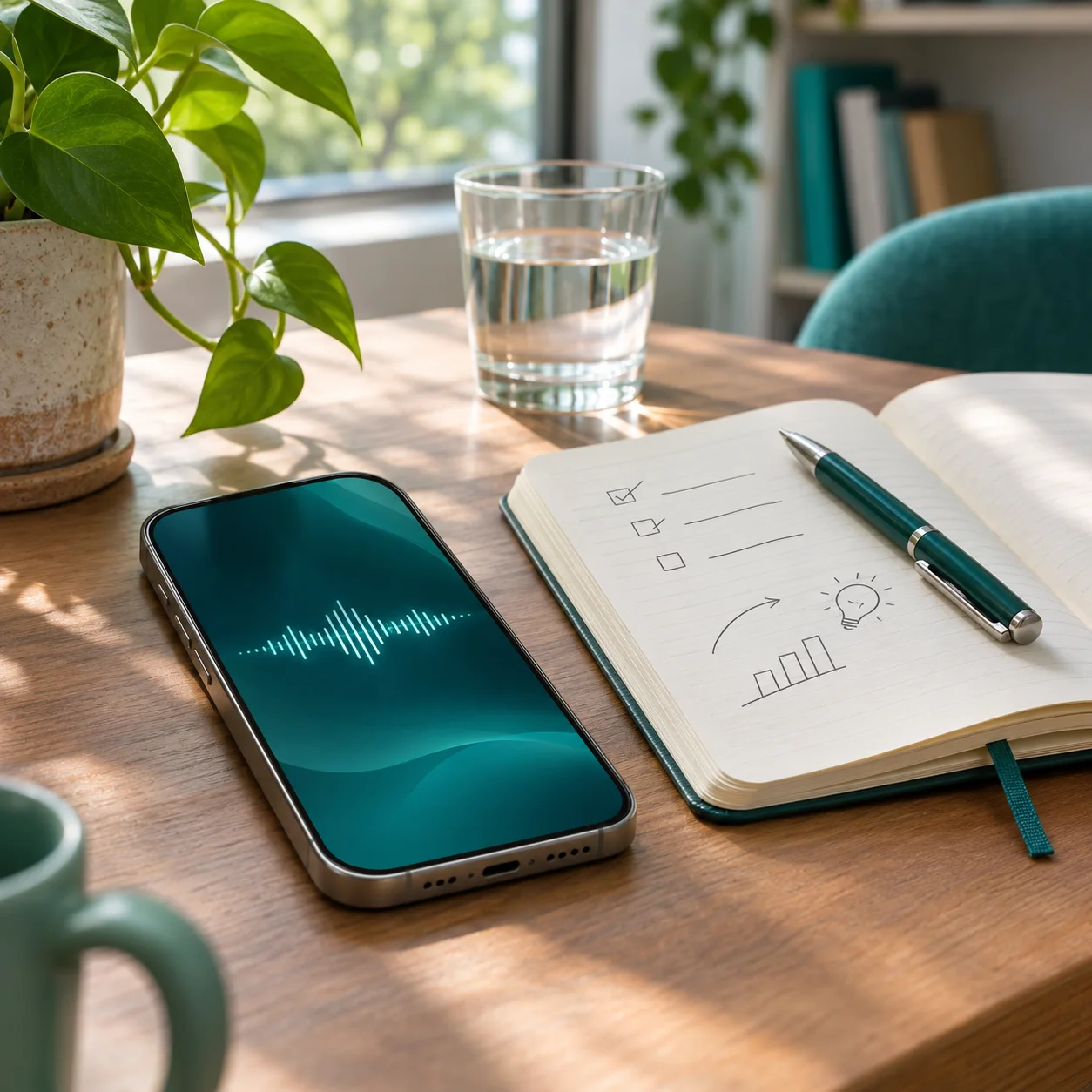
Voice memo transcription turns a spoken thought into editable text you can read and search. Upload a voice memo or audio note, let CrispScribe transcribe the speech, then check the result against your recording.
Use a voice memo transcript to revisit an idea, keep a reminder or prepare a work follow-up. Start with the free daily allowance shown in the upload tool — no sign-up or credit card is needed to begin.
CrispScribe turns a voice memo into text so you can review spoken thoughts at your own pace. Instead of replaying a recording to find one detail, scan the transcript and copy the part you need.
Use the same workflow for a quick reminder, a personal idea or a work note. Start with an audio file you can upload, review the transcript and keep the result ready for your next step.
Choose a voice memo or audio recording from your device. Export a phone recording as a file format accepted by the upload tool.
CrispScribe transcribes the spoken words into editable text. Check names, numbers, dates and important details against the recording.
Keep the transcript as a personal reference, move it into your notes app or prepare a written follow-up. Create an account when you want your transcript library on another device.
A voice memo transcript turns spoken thoughts into readable text. Scan the words, find a specific idea and copy the information you need instead of searching by replaying the whole recording.
Explore the sample to see how a spoken note becomes an editable transcript. Search for a word, edit a passage, then copy or download the example. It is a demonstration only and does not use your transcription allowance.
Automatic transcription can misrecognize names, dates, numbers or unclear speech. Review important details against your original voice memo before relying on them.
Select a line to edit the sample text.
This week, I want to pull together the feedback from last month’s customer calls.
I’ll note the three patterns I keep hearing, then draft a simpler setup guide.
An illustrative voice memo. Explore it without using your allowance.
Voice memos are useful when typing is inconvenient, but finding one detail in a long recording can take time. CrispScribe makes spoken notes easier to review by turning them into searchable, editable text.
Keep a quick reminder, gather thoughts for a project or revisit a spoken instruction. The transcript gives you a written starting point; you decide how to organize and use it.
Turn quick thoughts, reminders and personal notes into text you can revisit without replaying the whole recording.
Capture a passing idea in your own words, then review and organize it when you are ready to develop it.
Keep spoken instructions and project thoughts in a searchable transcript you can use to prepare a written follow-up.
Start with an audio file in a format listed in the upload tool. Export a recording from your phone or another recorder as a supported file; CrispScribe does not connect directly to a phone’s voice memo app.
Clear speech generally makes a better transcript draft. Check the current daily allowance, file size and duration limits before starting a longer voice memo.
Choose a complete, playable voice memo in a format accepted by the uploader.
A clear recording is easier to transcribe and review.
Limits depend on your plan and the current file shown in the uploader.
AI transcription is a useful first draft. Check the wording against your recording, especially for names, dates, numbers, deadlines and specialist terms.
After review, use the text as a personal reference or move it into your preferred notes app. A transcript contains the words that were spoken; it is not automatically a summary or action list.
Search the transcript for a reminder or idea, then copy the words you want to keep.
Add headings, action items or labels when you move the text into your notes or a document.
Replay unclear passages and verify names, numbers and dates against the original voice memo.
Voice memos can contain personal thoughts, reminders or work information. Before uploading, make sure you are allowed to use and transcribe the recording.
The audio needed for transcription is sent to a transcription service. Your original recording stays on this device and is not stored in your CrispScribe account. Guest transcript text remains in the browser you used; signed-in transcript text and library details can sync to your account.
Keep your source file on this device. Audio is sent for transcription, but your original recording is not stored in your account.
Return in the same browser to find your work. Export important text before clearing browser data.
Sign in to sync transcript text and library details. Guest content is imported only when you choose.
Turn voice memos into editable text with the free daily allowance shown in the upload tool. Choose a plan with more transcription time when you need to process longer recordings or several notes.
Daily standard transcription: 30 minutes.
Start without an account or credit card. Review, search and download your text.
Start free20 standard hours; credits do not expire.
Advanced mode uses four pack credits per audio minute.
120 standard hours per billing month.
10 separate advanced hours per billing month.
250 standard hours per billing month.
25 separate advanced hours per billing month.
Standard and advanced allowances are separate. Monthly time resets each billing period and does not roll over. Review full pricing and availability before purchasing.